LXEdge
Model LXEDGE
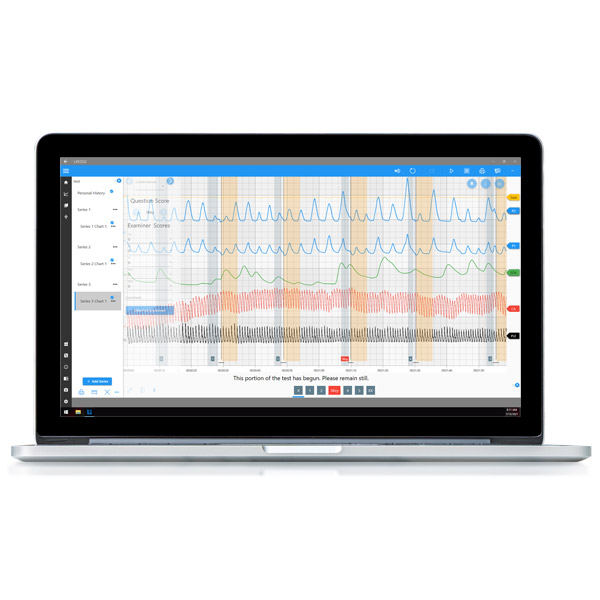
Designed with the future in mind, LXEdge is compatible with the Lafayette LX6 and LX7 along with the Limestone Paragon series. It offers many of the key features of LXSoftware with major updates to improve the efficiency of your examination process.
LXEdge 1.4.2 is now available!
Lafayette Instrument is excited to release LXEdge, our next-generation polygraph software. Downloads are available now via the software downloads area on our website. A valid LX7/LX6/ParagonX/Paragon serial number is required for download.
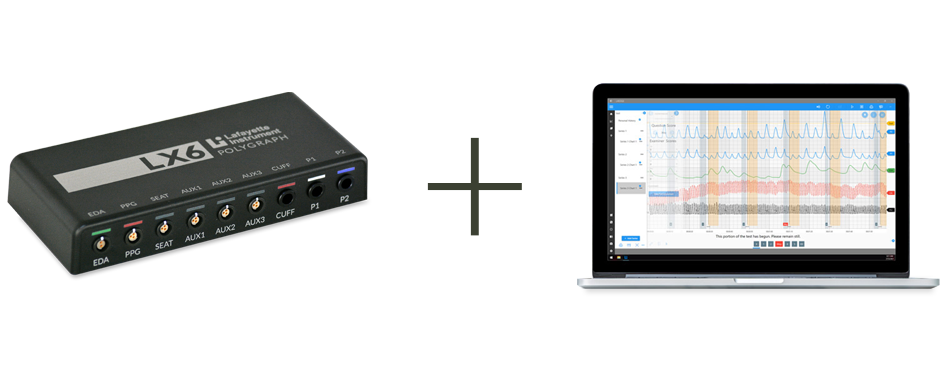
LXEdge is the future. Are you ready?
We've expanded product support for LXEdge. Now LXEdge supports the LX7, LX6, and Paragon series systems. Check out our trade-up program!
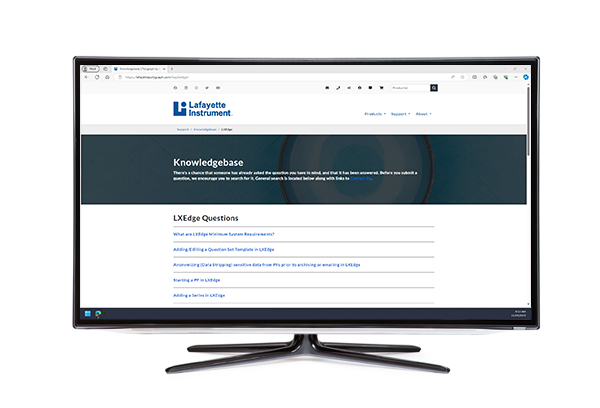
Want to know more?
Visit our ever-expanding online knowledgebase to learn more about how to perform various actions in LXEdge.
Features
- Spanish Language Support
- Modern, neatly designed, organized, and intuitive User Interface (UI)
- Easier to learn
- Improves operational efficiency
- Enhanced search capabilities
- Improved interfaces for customizing templates and question sets
- Architected to support NEW (forthcoming) assisted scoring capabilities
- Simplified installation and upgrade process
- No 3rd-party USB drivers
- Windows Registry will not be used to store user Preferences
- Updated development framework which supports
- Enhanced functionality
- New software and device integration opportunities
- Rapid development and testing
- Touch screens and other high-resolution displays
Specifications
Minimum Computer System Requirements
- Operating System: A Microsoft-supported version of Windows 11
- Platform: x86-64 architecture
- Processor (Recommended): Intel® Core™ i5 / 5 or better, or AMD equivalent, compatible with Microsoft-supported Windows 11
- Memory: 16 GB RAM recommended
- Display: Minimum resolution of 1280x720
- Display Size Recommendation: A 15-inch screen or larger is recommended for improved legibility
- Input Devices:
- A mouse with a scroll wheel is recommended for optimal navigation
- When using an external mouse or keyboard with a laptop, Bluetooth peripherals are recommended to preserve USB ports
- Storage: An SSD is required as the primary system drive
- Storage requirements vary based on the number of sessions, camera count, recording duration, and video settings
- Each camera generates approximately 1 MB to 5.5 MB of data per minute, depending on quality
- Camera Requirements: A UVC-compliant webcam is required for video capture
- Several Logitech and Microsoft webcams have been tested and validated
- Recommended Webcam Models:
- Logitech C920
- Logitech C921
- Logitech C925e
- Microsoft LifeCam Studio
Performance Considerations
System performance may vary significantly based on:
- Hardware configuration, including processor performance, available memory, and storage speed
- Windows configuration and background processes
- Other applications running concurrently
- Camera usage, including the number of connected webcams and selected video quality settings
